
Perquimans Case Search Rules
Perquimans County searches run through the North Carolina eCourts Portal, the statewide public layer. The local court page sends county users straight to it. Open Smart Search and begin with the basic Record Number or Name field. Advanced Filtering Options cannot run on their own, per the official Portal guide. So submit a basic criterion first. After that, layer on filters as needed. Those include location, case type, status, search type, date of birth, or a filing-date range.
Filter to Perquimans County whenever a statewide result should stay local. Smart Search works on party names and record numbers, not a named criminal charge. Business-name queries take Advanced Filtering plus the Business Name search type. Portal handles search and docket viewing; File & Serve is a separate route for electronic filing.
The official eCourts services page spells out the split. It covers Portal services on one side and the filing system on the other.
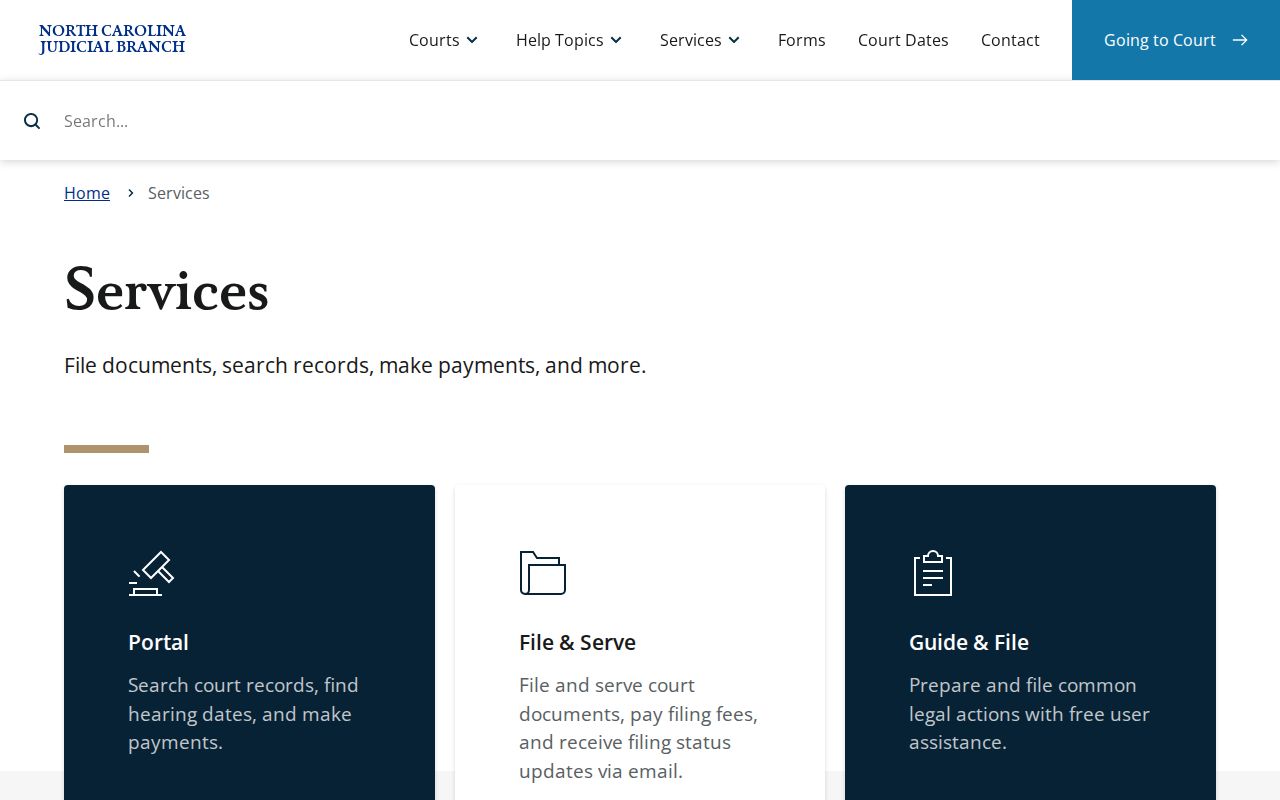
Those service links draw a clean line. A Perquimans County case lookup lives in Portal; a filing task lives in File & Serve.
How to Search Cases by Name
Names need the right format. Smart Search wants a person entered as Last name, First name, comma and space included, exactly as the guide shows it. A full record number beats a name every time. Still, when you do not have the number, a name search can pull up a public Perquimans County record. Remember that the basic field casts a wide net. Follow the documented order, form first and filters after, rather than leading with a filter alone.
- Open Portal Smart Search and enter the person’s name as Last, First in the Record Number or Name field.
- Select Submit and review the results for the correct case number, court, case type, and location. Do not rely on a name alone where several results appear.
- Open Advanced Filtering only after the basic search. Select Perquimans County and, when supported, narrow by case type, status, date of birth, or filing date.
- Select the case number that matches the available details. Read the Case Summary/Register of Actions, including current hearings and recent Case Events.
- If the result remains unclear, call the Perquimans County Clerk of Superior Court at (252) 404-5000 or use the public terminal at the clerk office.
| Search field | Type | Requirement | Perquimans use |
|---|---|---|---|
| Record Number or Name | Text | One basic criterion is required | Enter a full number or Last, First name |
| Submit | Button | Runs the basic search | Select it before using Advanced Filtering |
| Advanced Filtering Options | Expandable control | Optional after a basic search | Open it to narrow a statewide result |
| Filter by Search Type | Dropdown | Optional | Use Business Name for an entity or bondsman search |
| Filter by Location | Dropdown | Optional | Select Perquimans County |
| Party Search Criteria or DOB | Date or range filter | Optional | Narrow a result; public DOB display is masked |
| Filter by Case Type | Dropdown | Optional | Choose an appropriate Portal category |
| Filter by Case Status | Dropdown | Optional | Use a status compatible with that case type |
| Case Filing Date | Date controls | Optional | Set a filing-date range for a broad result |
Perquimans Case Number Parts
A current Enterprise Justice record number has four parts. There is a two-digit year, an alphabetic case type, a six-digit sequence, and a three-digit county identifier. The statewide guide offers 21CR000003-910 as its model. Note the dash before the county code. For the most precise Perquimans County case lookup, type the number in full, dash included. The example shows format only, not a verified Perquimans suffix.
- Year
- The first two digits identify the year segment of the Enterprise Justice record number.
- Case type
- Alphabetic letters identify the case category, such as the CR segment in the official example.
- Sequence
- Six digits distinguish the particular filing within that category and year.
- County identifier
- The three digits after the dash identify the location code in the statewide system.
Portal also accepts a documented case cross-reference number. If a number looks short or returns nothing, stop guessing. Ask the Perquimans County Clerk of Superior Court to confirm the correct record number instead of filling in a county code yourself.
How to Search by Case Number
Type or paste the full record number into Smart Search's Record Number or Name field. Then hit Submit. A name search ranges wide. A complete number aims straight at one record, provided the public case is available. Click the case number in the results. That opens the Case Summary, also called the Register of Actions. Need help along the way? The local clerk has Enterprise Justice functionality. The clerk can view the same Case Summary with you. NC Judgment Search is a different, narrower index. Give it a party name or case number. It can show the case number, disposition status, index date and time, parties, and judgment comments. For the complete current Case Summary, detailed disposition, and current financial information, go back to Smart Search. One caution: a case number identifies a record clearly. It does not override confidentiality or sealing rules.
What a Case Search Shows
Pick a Portal result and the Register of Actions, or Case Summary, opens. Think of it as a chronological index of the matter. It is not automatically an image of every pleading, order, or judgment filed. Sections without data may not display at all. What you can see depends on public-access rules. It also depends on whether the information has been uploaded and processed in Enterprise Justice.
| Case Information | Basic identity, category, and filing information when present. |
|---|---|
| Assignment Information | Location and court assignment, with judicial assignment when populated. |
| Party Information | Publicly available party roles, subject to access restrictions. |
| Case Events | The chronological actions, filings, hearings, orders, service, and disposition activity. |
| Hearings | Scheduled hearing information when the record contains it. |
| Dispositions and Financial Information | Outcome and financial sections when applicable; use Smart Search rather than the judgment index for current detail. |
Watch for an odd timestamp on old events. Historic records migrated before Enterprise Justice can show a 12:00 a.m. time, and that may simply reflect how the old event time was converted, not a midnight hearing. Perquimans County users should compare each new event against the current hearing before acting on an earlier notice.
Perquimans 200-Result Case Search
Portal caps a basic result set at 200. A message saying 200 results were returned is a warning, not a finish line. Do not assume the first similarly named person is the one you want. Start over with more detail. Wildcards have minimums. A surname needs three characters before the asterisk, a first name needs one, and a record number needs four. After the basic search, choose Perquimans County in the location filter. Then add a compatible case type, status, filing-date range, or date-of-birth filter. The Portal FAQ does not recommend its separate Party Name filter for everyday narrowing, since it limits results and skips wildcard support. Still stuck? Take the name, the approximate date, and any citation or record information to the local clerk as a fallback.
County vs Statewide Case Search
There is no separately branded Perquimans docket database. Portal is statewide, and the Perquimans County filter is what narrows it locally. Even with court records available online, the Clerk remains the local custodian of the records themselves. So the real difference is an access layer, not two competing sets of court records.
| Route | Best use | Limit or next step |
|---|---|---|
| Portal Smart Search | Search public Case Summaries by name or record number across North Carolina | Apply Perquimans location and compatible filters for a local result |
| NC Judgment Search | Review the narrower judgment index by party or case number | Return to Smart Search for a full current case view |
| Perquimans clerk terminal or counter | Check a public terminal, paper file, copies, historical material, or unclear result | Visit or call the local custodian for case-specific help |
Perquimans Case Judgment Search
Need to track down a Perquimans County judgment? NC Judgment Search is the place to begin. It is a public reference index created under G.S. 7A-109(b)(6), and it does not replace the Register of Actions. Filters let you narrow results by case type, status, location, judgment date, and judgment type. Each index entry carries a date and time, the county, current status, the parties, and judgment comments tied to the disposition. That makes it a quick way to spot a judgment before diving into the full case file.
Treat the index hit as a lead. Smart Search is the next stop for current case events, financial details, and fuller disposition context. Want an official certified copy instead? Go through the clerk. Portal searching costs nothing. Clerk-prepared copies, though, can carry statutory charges.
Perquimans Case Search Date Check
A Case Summary with no obvious upcoming date should not end your search. Your Perquimans County docket search has another angle. Portal Search Hearings gives you that angle. Enter Perquimans County, a hearing type, a search type, and Date From and Date To values. Use the complete case number whenever you can. Then compare what the hearing search returns. Check it against the Case Summary's Hearings section and the latest Case Events.
One thing Search Hearings will not tell you is the attendance method. It does not mark a result as virtual or in person. For that, call the Perquimans County Clerk of Superior Court at (252) 404-5000. The same call works for any mismatch between the record and your notice. The Court Dates page lays out the full local hearing-search workflow.
Restricted Cases and Access Rules
North Carolina's Public Records Law favors open access. G.S. 7A-109 gives clerks a duty. They must keep court records, files, dockets, and indexes open for public inspection. That holds unless a law says otherwise. The openness has limits, though. Not every Perquimans County case or document shows up in Portal. Sealed and confidential data, documents, and whole cases stay hidden from every user. Juvenile records, protected juvenile content, expunged material, and certain domestic-violence information carry extra restrictions.
Portal's public access is free. It needs no registration for public information. Signing up grants no elevated access either. The Judicial Branch's Remote Public Access Program is something else entirely. It is a separate licensed program for authorized entities under G.S. 7A-109(d) and (e), not a public way around the restrictions. The official Remote Public Access Program page describes that distinct statewide access channel.
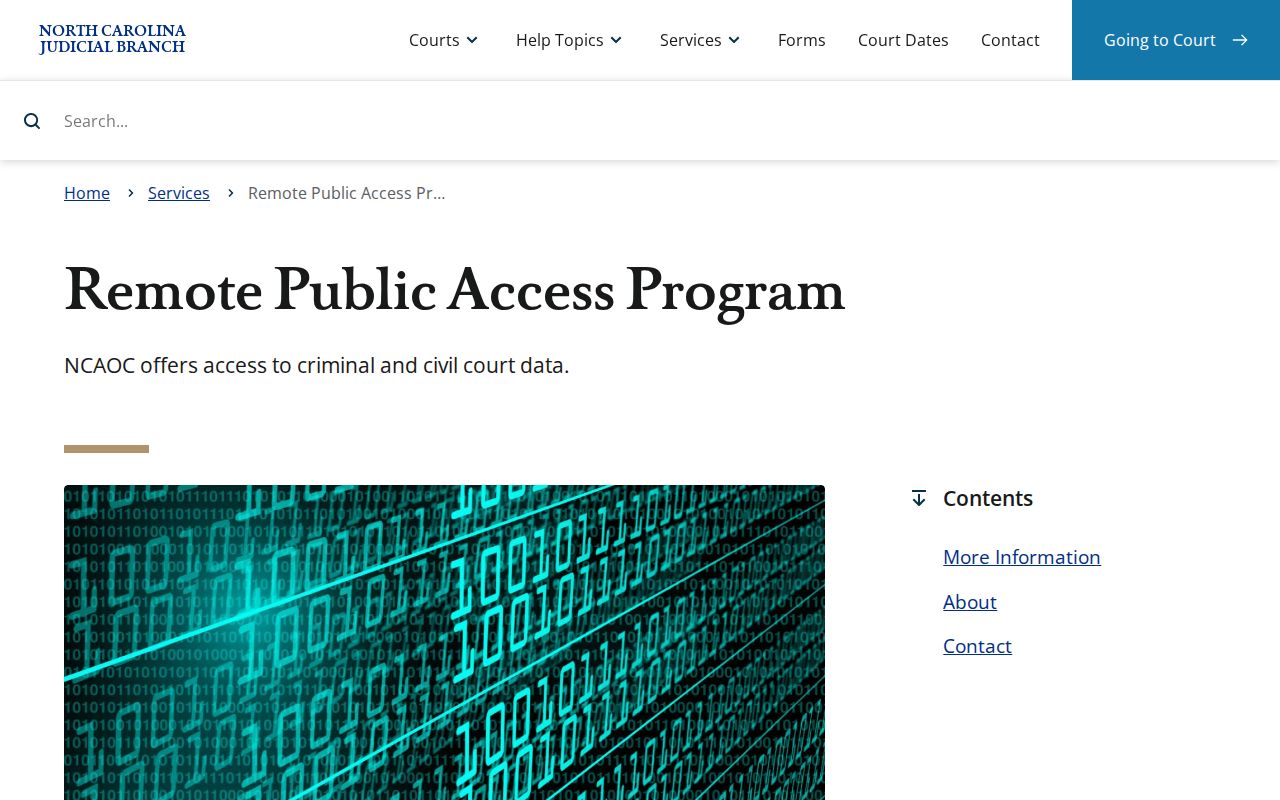
Role-based, not public. The program shows the gap between open Portal access and role-based access. It does nothing to loosen the restrictions on a Perquimans County public case search.
Perquimans Case Search Fallback
A failed Portal search does not mean no Perquimans case exists. The miss could come from spelling or formatting. It could be the 200-result cap, an out-of-county case, or a legacy paper component. Confidentiality or plain processing lag can also hide a case. Work the fallback chain in order. Start with Portal Smart Search. Then try Portal filters or Judgment Search. Then call the Clerk, use the courthouse public self-service terminal or paper file, and finally request a clerk copy or certification.
The Perquimans County Clerk of Superior Court holds records for both Superior Court and District Court. Call (252) 404-5000. You can also use the public terminal or counter at the Perquimans County Courthouse. Or send a specific written copy request through an available clerk channel. Mail is documented for eligible payments. The county posts no court-copy request form of its own. The NCAOC public-record request form covers only existing Judicial Branch agency records, and it notes that county case documents belong with the county clerk.
The Judicial Branch's public-record request routing page lays out that custody distinction.
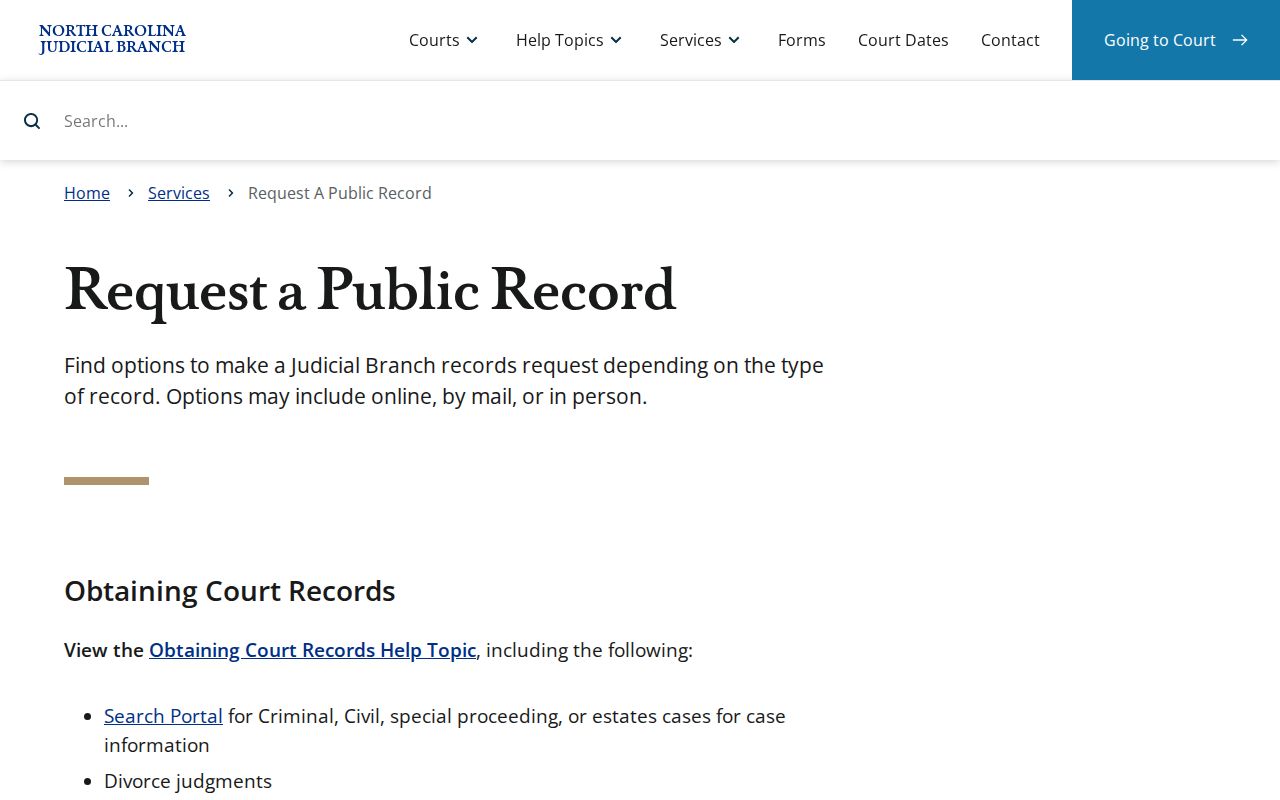
Back to the clerk. For a court case document, that routing distinction points to the Perquimans County Clerk of Superior Court. An agency-record request is the wrong channel here.
Perquimans Case Filing Route
File & Serve links into the Enterprise Justice (Odyssey) environment. It is not the public docket-search interface, though. Attorneys and eligible self-represented litigants use it to file electronically. For a public Case Summary, use Portal Smart Search. It also covers current hearings, judgment-index reference information, and eligible balances. The official File & Serve service page gives the full filing-system context.
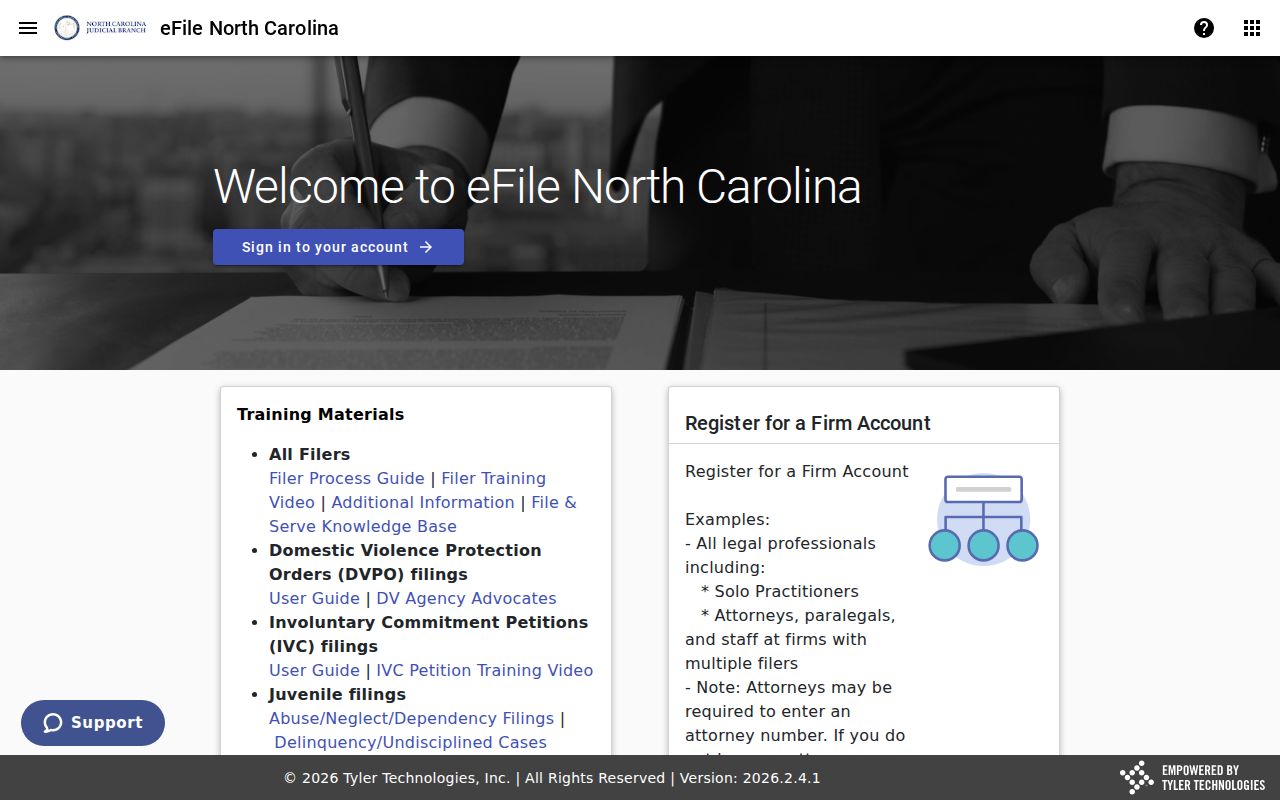
Right tool, right task. Keeping filing and lookup functions separate helps a Perquimans County searcher pick the right state service. Filing goes through one system, docket lookup through another.