
Getting Perquimans County Court Records
The Perquimans County Clerk of Superior Court holds the local Superior Court and District Court files. Start with the free North Carolina eCourts Portal when the goal is a public Register of Actions, a current Case Summary, or a public document that Portal makes available. A record number is the best starting point. Party names, the document sought, and an approximate date help the Clerk separate a filed order from a register entry or a certification request.
Portal is not the only route. The Clerk can confirm a case by telephone, the courthouse counter and public terminal can help with a local paper or legacy file, and a specific written request can be sent to the Clerk at the mailing address below. The sources did not identify a Perquimans-specific court-copy request form, email-copy channel, or routine turnaround time. Ask about the method, total cost, and any current procedure before sending payment.
- Use Smart Search to locate the public case and write down its complete record number.
- Decide whether the need is the Register of Actions, an available filed image, a plain clerk copy, or a certified copy.
- Check Portal’s document links one at a time when public images appear, then use the Perquimans location and case details for clerk follow-up.
- Call, visit the counter, or send a precise written request to the Clerk with the case number, parties, document description, and approximate date.
- Confirm the charge and payment method before ordering. Request certification only when an official clerk-issued copy is required.
Perquimans Clerk Record Custody
Perquimans does not use separate county and district clerks for its state trial records. The unified Perquimans County Clerk of Superior Court is the local custodian for Superior Court, District Court, magistrate, criminal, civil, special proceeding, estate, and traffic files. Under G.S. 7A-109, clerks maintain the court’s records, files, dockets, and indexes and make nonrestricted records available for public inspection during regular office hours.
That custody role matters when an online answer is incomplete. Portal is the public access layer for Enterprise Justice records, not a replacement for the record held by the Clerk. A caller who gives a full number, the county, and the exact order or event sought makes it easier for the small local office to identify the correct file. The office has one Clerk, six permanent full-time-equivalent positions, and four assistant-clerk designations in the 2023–24 Judicial Branch report.
Perquimans County Clerk of Superior Court
128 N Church St
Hertford, NC 27944
Mail: PO Box 33, Hertford, NC 27944
(252) 404-5000
Note: The Clerk counter is the local fallback for a missing Portal result, a paper file, or a clerk-certified record.
Court Record Types
A Perquimans court record is not always the same thing as the entry visible online. A Register of Actions or Case Summary is the chronological index. A filed document is the actual public pleading, order, judgment, or other image when it is available. A certified copy is a Clerk-issued copy with the certification requested for an official purpose. Keeping those categories separate prevents a reader from treating a search result as the text of an order or treating a downloaded image as a certified copy.
The Clerk’s unified custody reaches the principal local trial categories. Superior Court holds felony matters and civil cases above the statutory threshold; District Court handles misdemeanors, infractions, family and juvenile matters, and lower-value civil cases; magistrates work within District Court on qualifying small claims and preliminary matters. Public access depends on the case type and restriction rules, not simply on the name of a court.
- Register of Actions: the Portal Case Summary with case information, events, hearings, dispositions, and financial information where populated.
- Filed papers: public pleadings, orders, judgments, and other images that Portal displays after upload when access is allowed.
- Trial records: criminal, civil, traffic, special-proceeding, estate, and magistrate files held through the local Clerk.
- Official copies: plain copies, a certificate under seal, or an exemplification issued by the Clerk when requested and available.
- Separate media: transcripts and qualifying audio copies, which use different request paths from the ordinary case file.
Perquimans Record Access Layers
The distinction between the register, a document image, and a certified copy is especially important in Perquimans. Smart Search may show the case timeline at no charge without registration. An entry can establish that an order was filed, yet a public image may be unavailable, restricted, or too large to open. The paper component of an older case may still sit outside the web view. The Clerk, not the Portal, determines how an official copy is supplied.
| Record layer | What it answers | Perquimans route |
|---|---|---|
| Register of Actions | Case identity, events, hearing and disposition sections when present | Portal Smart Search, then Clerk or public terminal |
| Filed public image | Text of a public order, pleading, or judgment when uploaded | Portal document link, then Clerk if absent or unavailable |
| Certified copy | Official clerk-issued copy with requested certification | Perquimans Clerk of Superior Court |
The public terminal remains useful for criminal, civil, special-proceeding, and estate information. It is also the sensible next step when a broad name search produces too many Portal results, an older paper component is suspected, or a staff member needs to confirm the correct case number.
Inside a Perquimans County Court Record
Portal calls the online case timeline a Register of Actions or Case Summary. The sections shown vary with the record. An empty category may not appear at all. Civil, family, probate, and mental-health files can include causes of action; a criminal case may instead show its case details, assignment, parties, Case Events, hearings, dispositions, financial information, and public images where available. The register is a chronology, not a narrative decision.
| Record number | A full Enterprise Justice identifier, such as 21CR000003-910, joins the two-digit year, case type, sequence, and county identifier. |
|---|---|
| Case and assignment information | Basic case identity, category, location, and judicial assignment when present. |
| Party information | Publicly available parties and roles, subject to masking and access restrictions. |
| Case Events | The dated register entries that show filings, service, hearings, orders, transfers, or other recorded activity. |
| Hearings and dispositions | Scheduled setting information and recorded outcome sections when those fields are populated. |
| Documents and financial data | Public images or financial information only when uploaded, applicable, and permitted for public access. |
Use the most recent Case Event and the underlying public document together when exact wording matters. Older events migrated before Enterprise Justice may carry a 12:00 a.m. time because the former event time was converted. That timestamp alone does not prove a midnight hearing.
When Portal Documents Need Clerk Help
Portal makes public documents available only after upload and only where access is permitted. The Portal FAQ says public documents must be opened one at a time. A person who sees an entry but no image should not assume the Clerk has denied the document or that the case has no paper file. Availability can turn on the case type, confidentiality rules, configuration, and processing timing.
Error Code 141011 is a specific Portal problem with a large file. The official FAQ directs the user to the Clerk, where the document may need to be reprocessed or split. For a Perquimans file, preserve the record number, identify the document and date, and tell the Clerk whether the request is for access to the public image, a plain copy, or certification. That gives the office a usable record request instead of a vague request for “everything.”
Portal display is not certification. A public Case Summary can show the event history, but the Clerk is the source for an official copy or a record that requires a formal seal.
Fees and Certified Copies
North Carolina law, rather than a separate local fee sheet, supplies the documented clerk-copy figures for Perquimans. Portal public searching is free. G.S. 7A-308 sets the amount for a Clerk-prepared copy, a certificate under seal, and an exemplification. A certificate under seal and an exemplification are different services, so the requester should ask which form of certification is required before placing an order.
A transcript is not an ordinary photocopy. Official transcripts are prepared by a reporter or approved transcriptionist at rates not fixed in the Perquimans materials. If a nonconfidential proceeding was recorded and an audio copy is available, the Judicial Branch identifies an actual-cost CD route using Form AOC-G-114. Confirm availability and the proper request before sending a fee.
| Item | Amount |
|---|---|
| Portal public lookup | $0 |
| First page of each Clerk-copied document | $2.00 |
| Each additional copied page or fraction | $0.25 |
| Certificate under seal | $3.00 |
| Exemplification | $10.00 |
| Criminal record search, when statute conditions apply | $25.00 |
Legacy Perquimans Court Files
Enterprise Justice completed its statewide conversion in 2025, but official Portal material still warns that older paper files can exist. A historic record may therefore need Clerk assistance even when the case history has a migrated Portal entry. The Perquimans courthouse is open on standard weekdays from 8:00 a.m. to 5:00 p.m.; call before a special trip when the file is old, a record is restricted, or a specific certification is needed.
The courthouse terminal gives local access to criminal, civil, special-proceeding, and estate information. It can be more useful than a broad web search for a legacy component. Staff can make copies for a fee, but the researched sources do not state a guaranteed time for retrieval, copying, or mail completion. Historic court material should be described precisely, not assumed to be digitized or immediately available.
Note: A specific case number and document date help the Clerk distinguish a legacy paper request from a modern Portal lookup.
Sealed Records and Public Access
Public inspection is real, but it has firm limits. The Portal offers public information without registration for eligible cases. Sealed and confidential cases, data, and documents are not viewable through Portal. Juvenile records are withheld from public inspection except as law or a court order permits. Expunction files are confidential, and some domestic-violence or protective-order material has additional online-display limits. A missing search result is not proof that no case exists.
For a public record, the appropriate local fallback is the Perquimans Clerk. The Clerk can explain the available process but cannot make a restricted record public. If the research materials did not identify an individual-case record as public, it should not be treated as accessible simply because other dockets can be searched online.
Key North Carolina rules:
G.S. 7A-109 requires the Clerk to keep court records, dockets, and indexes, subject to restrictions on public inspection.
G.S. 132-1 defines North Carolina public records and supports access at minimal cost unless another law provides otherwise.
G.S. 132-6.2 addresses available copy media, certification requests, prompt responses, and explanation of a denial.
G.S. 7B-3000 keeps juvenile records out of ordinary public inspection except as permitted by law.
Federal Records Near Perquimans
A federal case uses a different system from the state record held by the Perquimans Clerk. Perquimans belongs to the Elizabeth City Division of the U.S. District Court for the Eastern District of North Carolina. Federal docket reports and filings are obtained through PACER, while CM/ECF is the federal filing system. A federal case will not appear in the North Carolina eCourts Portal simply because a party or event is connected to Perquimans County.
The Eastern District’s CM/ECF information page identifies the federal court channel serving the division.
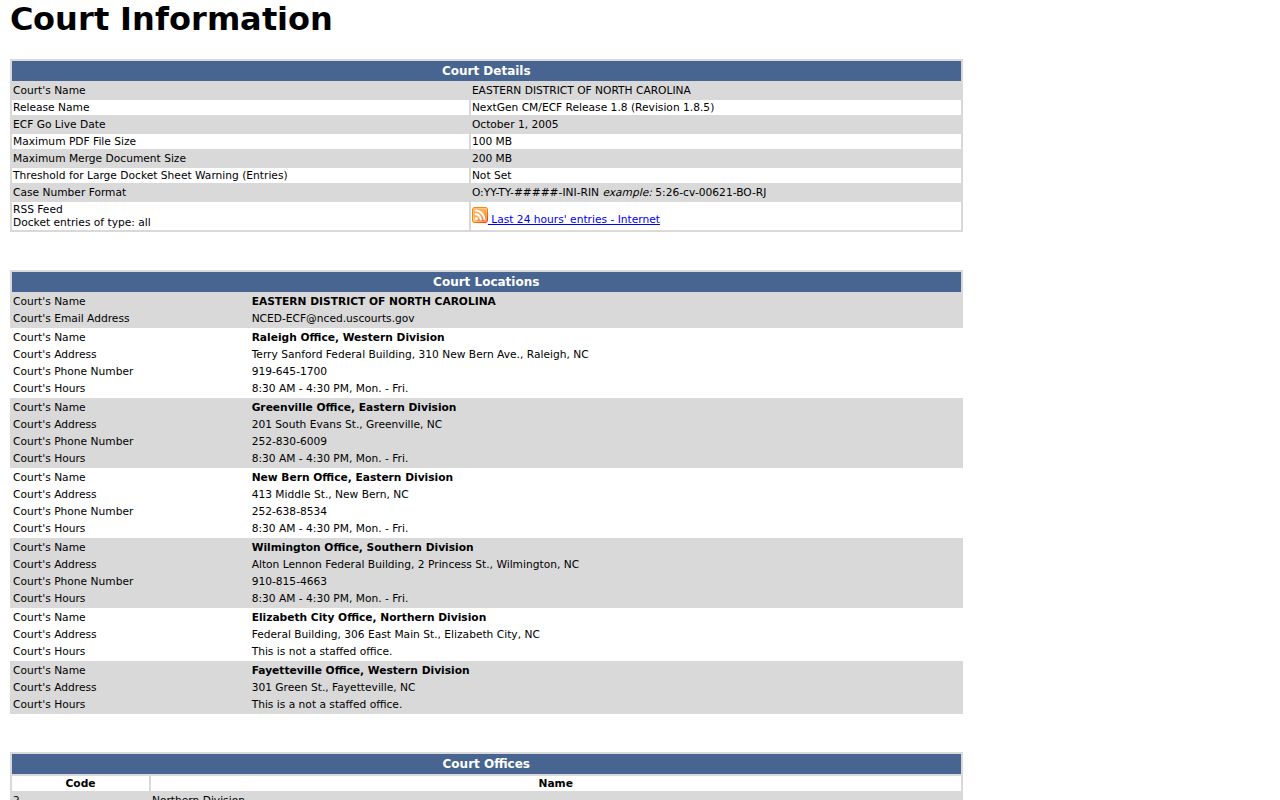
That federal filing interface is distinct from the state Register of Actions and the Perquimans Clerk’s case-file counter.
The Eastern District registration instructions explain the PACER-linked route to federal electronic filing privileges.
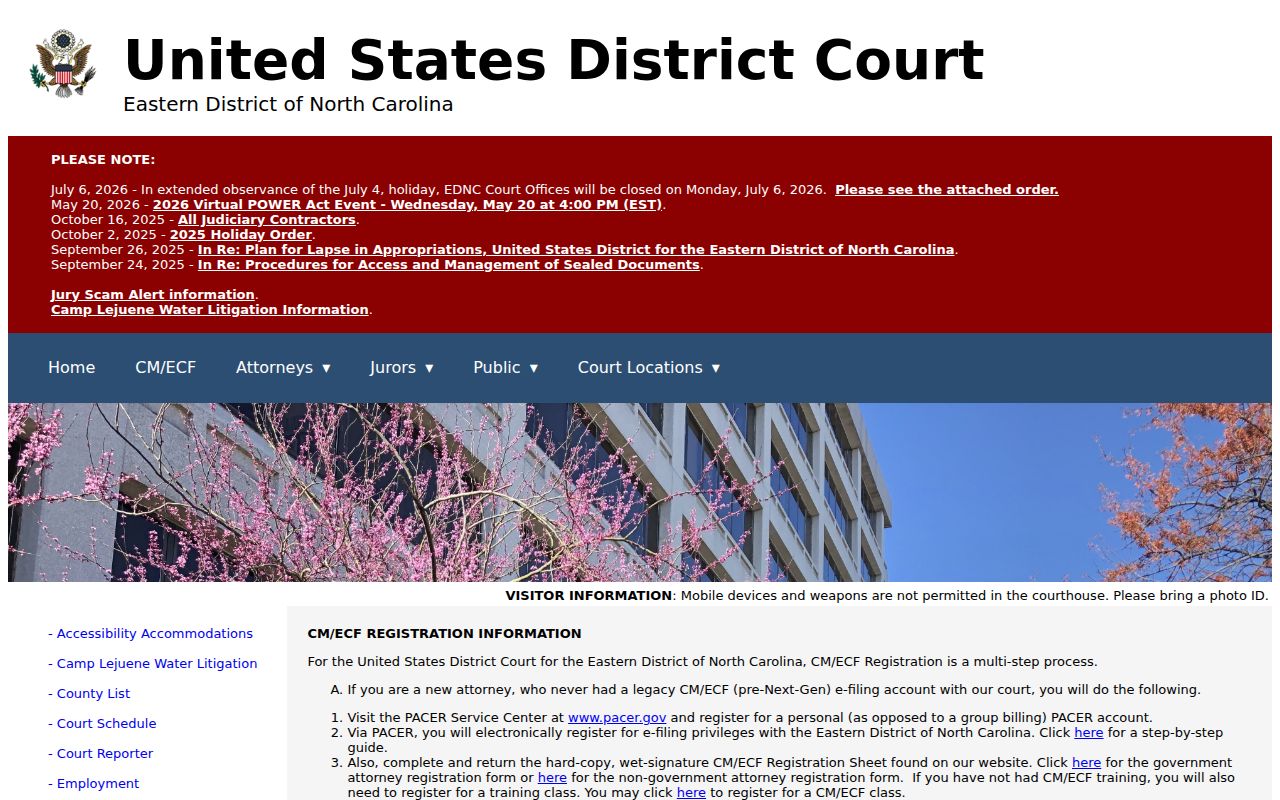
Registration for a federal filing account does not change how a person searches a Perquimans state court record.
The official PACER pricing explanation documents the federal docket and document fee structure.
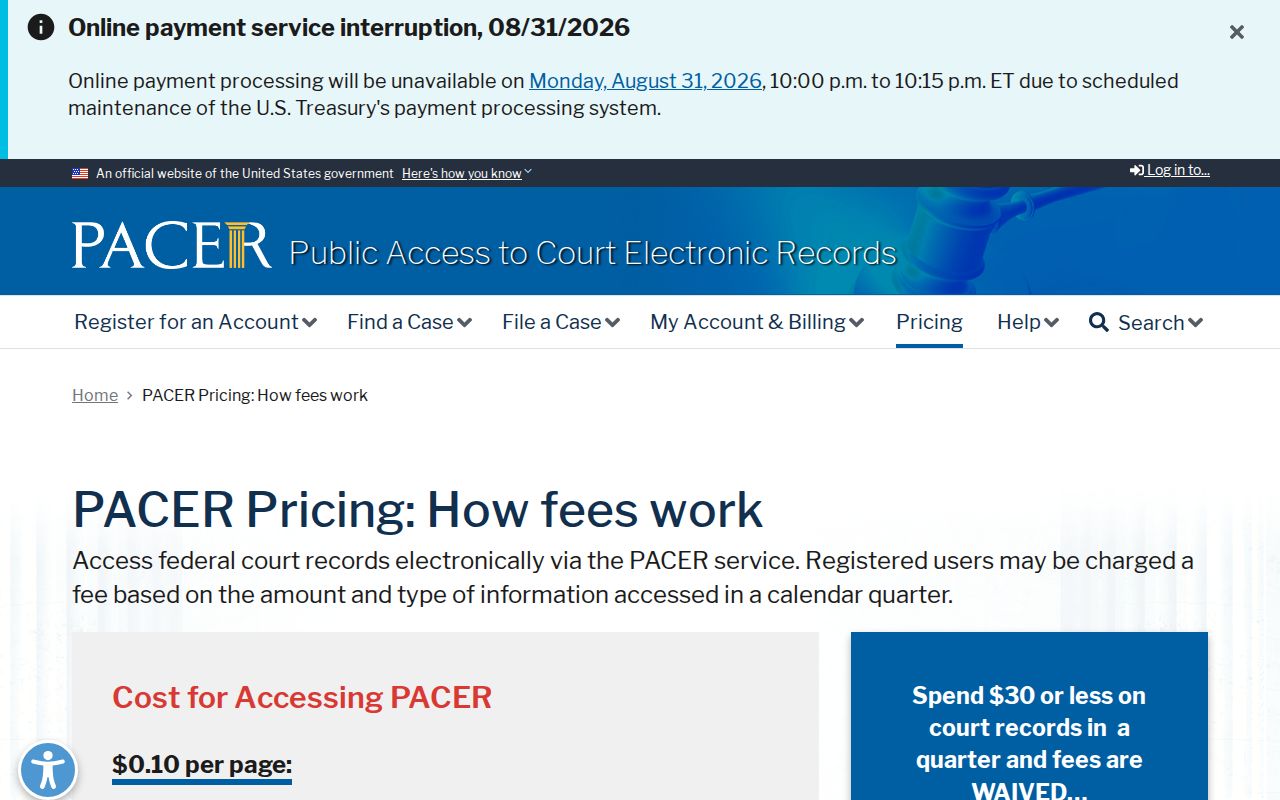
PACER is a federal access service; it is not a charge for a North Carolina Portal search or a Perquimans Clerk copy.
The PACER access-options page describes the quarterly waiver threshold and court-specific exemption path.
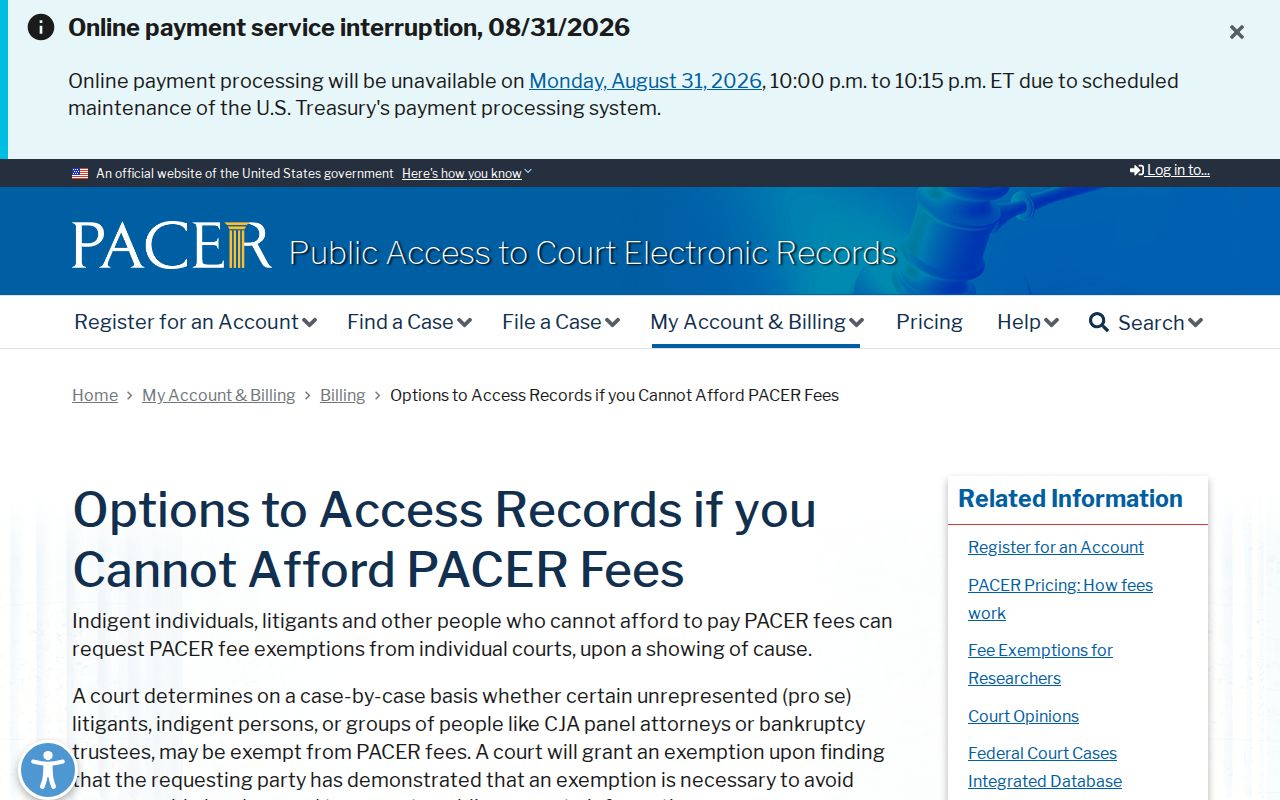
For a state case, return to Portal or the Perquimans Clerk instead of relying on a federal database.
Transcripts and Case Files
A docket entry says that a hearing, filing, or ruling occurred. It is not a transcript of what was said. North Carolina describes a transcript as a typed verbatim record prepared by an official reporter or approved transcriptionist. Rates are set by the reporter or transcriptionist, not by the local clerk-copy schedule. A request for a transcript should identify the proceeding and ask about the correct state process.
Audio is also separate from an ordinary file copy. Where a nonconfidential hearing was recorded, the Clerk may receive an AOC-G-114 request and charge the actual CD cost. Criminal District Court proceedings are generally not recorded except for certain felony pleas or when a judge orders recording. The local Register of Actions remains useful for identifying the hearing, but it does not replace the transcript or recording.