
Searching Perquimans County Civil Dockets
The free North Carolina eCourts Portal is the first stop. Smart Search takes a full record number. It also takes a name typed Last, First. Click a match. That opens the Register of Actions, sometimes labeled the Case Summary. The Perquimans County Clerk of Superior Court holds the local files, which cover Superior Court, District Court, magistrate, estate, and special-proceeding cases.
The Portal is not the only route. The Clerk can confirm a case. The office also offers a public terminal and paper files you can view there. Copies are sold for a fee. A phone call works well for checking a court date or calendar locally. If you need copies by mail, ask the Clerk. The county posts no local copy form or turnaround policy. The Judicial Branch public-record form covers administrative records only, not a Perquimans court case file.
- Enter the full record number or Last, First in Smart Search.
- Open Advanced Filtering after the basic search is running.
- Select Perquimans and the civil-related category that fits the matter.
- Open the matching record and compare Case Events, Hearings, and Dispositions.
- Ask the Clerk for a paper file, copy, certification, or help with a result that is missing online.
Perquimans Civil Portal Filters
A statewide name search can return too much. Advanced Filtering narrows it into a true Perquimans County civil docket search. The type filter offers many choices. Pick from Civil General, Civil Magistrate, Summary Ejectment, civil foreclosure, domestic categories, special proceedings, and estates. Choose a status that fits the type you picked. The official guide warns that mismatched filters can hide a record, so a null result does not prove the case does not exist.
| Field | Type | Required | Civil-use note |
|---|---|---|---|
| Record Number or Name | Text | Yes | Use the exact number or Last, First. |
| Location | Dropdown | No | Choose Perquimans to narrow statewide results. |
| Case Type | Dropdown | No | Select Civil General, Civil Magistrate, Summary Ejectment, Special Proceeding, or Estate. |
| Case Status | Dropdown | No | Choose a status compatible with the category. |
| Filing Date | Date controls | No | Limit the result to a filing window. |
| Search Hearings | Portal function | Yes for hearing search | Choose location, hearing type, search type, and date range. |
For learning the ropes, Portal training and resources walk through the public search and hearing tools. Electronic filing runs through File & Serve in Enterprise Justice. That system handles submissions for eligible users. It does not replace the civil Register of Actions search.
Advanced filters refine a search you have already run. They do not work as a standalone first search in Smart Search.
Inside a Perquimans County Civil Docket
Open a match and you land on the Case Summary, the civil Register of Actions. Its sections can include Case Information, Assignment Information, Party Information, Causes of Action, Case Events, Dispositions, Hearings, and Financial Information. A blank section usually means no data yet. The chronology proves an event happened on a date. It proves nothing more. For the document text, pull the filing itself. For the official copy, ask the clerk for a certified version.
| Record number | The Enterprise Justice identifier used to locate the civil case. |
|---|---|
| Party information | The public parties and their roles in the case. |
| Causes of Action | The civil, family, probate, or mental-health description of the requested relief. |
| Case Events | The time-ordered record of filings, service, orders, and other docket activity. |
| Hearings | Scheduled court events when the record contains hearing information. |
| Dispositions | The recorded outcome or status, with an order needed for the full legal wording. |
A modern record number has four parts: a two-digit year, a letter case type, a six-digit sequence, and a three-digit county identifier, as in 21CV000003-910. Type the whole thing, dash included. That example shows the state format, not a claimed Perquimans suffix.
Perquimans Civil Causes of Action
Causes of Action set civil Case Summaries apart from criminal ones. The Portal lists them for civil, family, probate, and mental-health matters. They state what a party wants the court to decide. For the dated procedural history, read Case Events instead. For the actual pleading or order text, open the uploaded document. Do that when it is public.
| Portal item | What it answers | What it does not replace |
|---|---|---|
| Cause of Action | The civil category or claim described in the case. | The filed complaint, petition, or order. |
| Case Event | That a filing, hearing, service event, or order activity occurred. | The full text or legal effect of that document. |
| Disposition | The state system's recorded outcome label. | A certified judgment or full current financial detail. |
There is also a separate NC Judgment Search. It is a slimmer index: date and time, county, status, parties, and judgment comments. Go back to Smart Search when you want the full civil Register of Actions, current financial information, or detailed disposition data.
Civil Case Types on the Docket
Civil dockets in Perquimans County cover several trial and clerk-centered categories. Smart Search separates them rather than lumping every civil matter together. Ordinary litigation that fits no narrower group lands in Civil General. Civil Magistrate and Summary Ejectment mark magistrate-level cases. Estates and special proceedings get their own labels. District Court hears the family cases.
- Civil General matters and Civil Magistrate matters
- Summary Ejectment and specified property claims
- Civil foreclosure and confession-of-judgment categories
- Civil domestic filings with or without divorce claims
- Special proceedings and clerk-administered estates
Rules on public access and document availability can differ by category. Choose the closest case type first. Then read the assigned court and the Case Events, because the label alone will not settle jurisdiction or outcome.
Perquimans Civil Court Limits
Which division hears a Perquimans County civil docket? State law draws the line. District Court handles civil actions at or below $25,000. Superior Court takes those above $25,000 under G.S. 7A-243. The Perquimans County Clerk of Superior Court keeps the records for both divisions. Keep in mind the money limit only routes the case; it says nothing about whether a docket entry or document is available online.
The text of G.S. 7A-243 spells out this District Court and Superior Court dividing line.
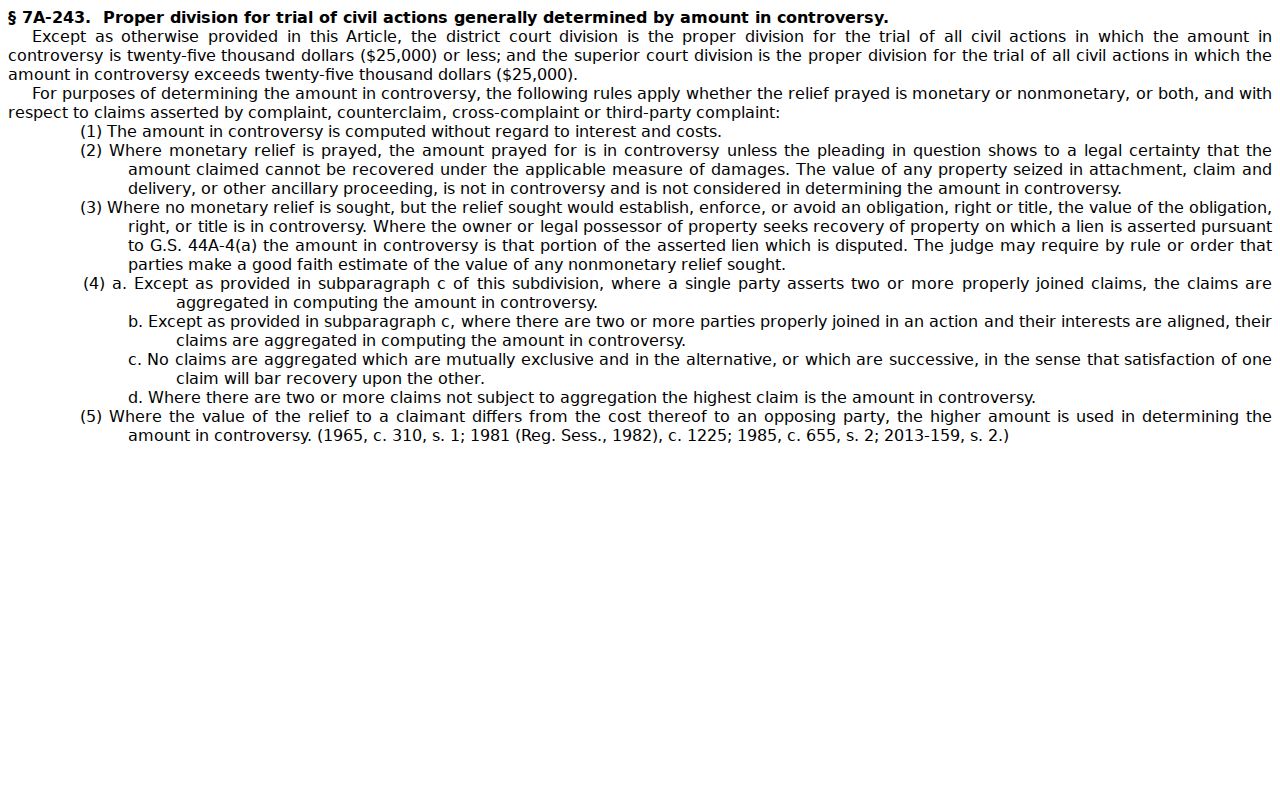
The statute explains the $25,000 split, but the Portal record shows the real assignment. Check the case assignment and the full Register of Actions to learn which court actually holds a given civil matter.
Perquimans Civil Small Claims
Small claims in Perquimans County go to a magistrate. The magistrate is a District Court official. G.S. 7A-210 sets the ceiling at $10,000. Covered claims include money disputes, possession of specific personal property, and summary ejectment. That cap sits well under the $25,000 limit for ordinary District Court civil cases. When you search the Perquimans civil docket, use a Civil Magistrate or Summary Ejectment filter. That beats guessing from a general civil label. The North Carolina small claims explanation lays out the magistrate's role. It also covers the categories that qualify.
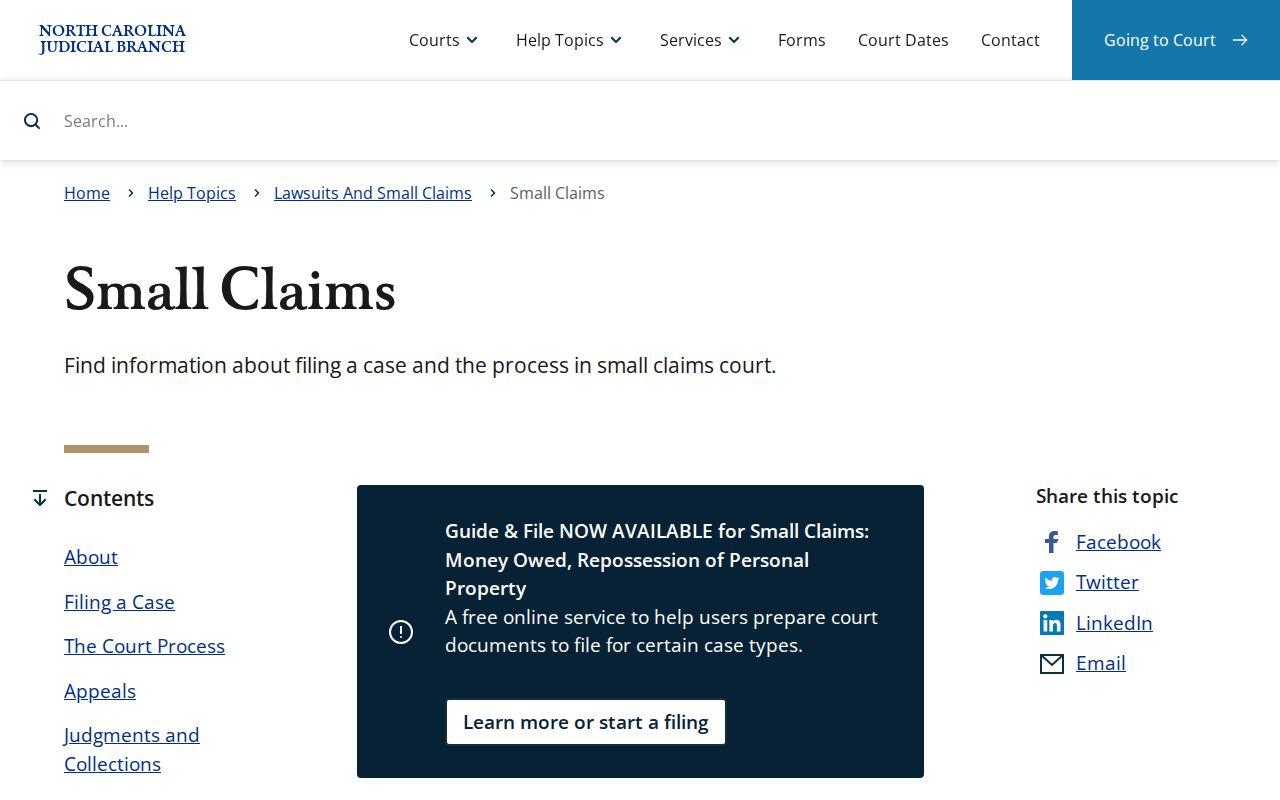
Magistrate cases live inside the same unified Perquimans court record system. The Clerk of Superior Court holds the local records. Read G.S. 7A-210 for the statutory definition of small claims. It sets the $10,000 ceiling.
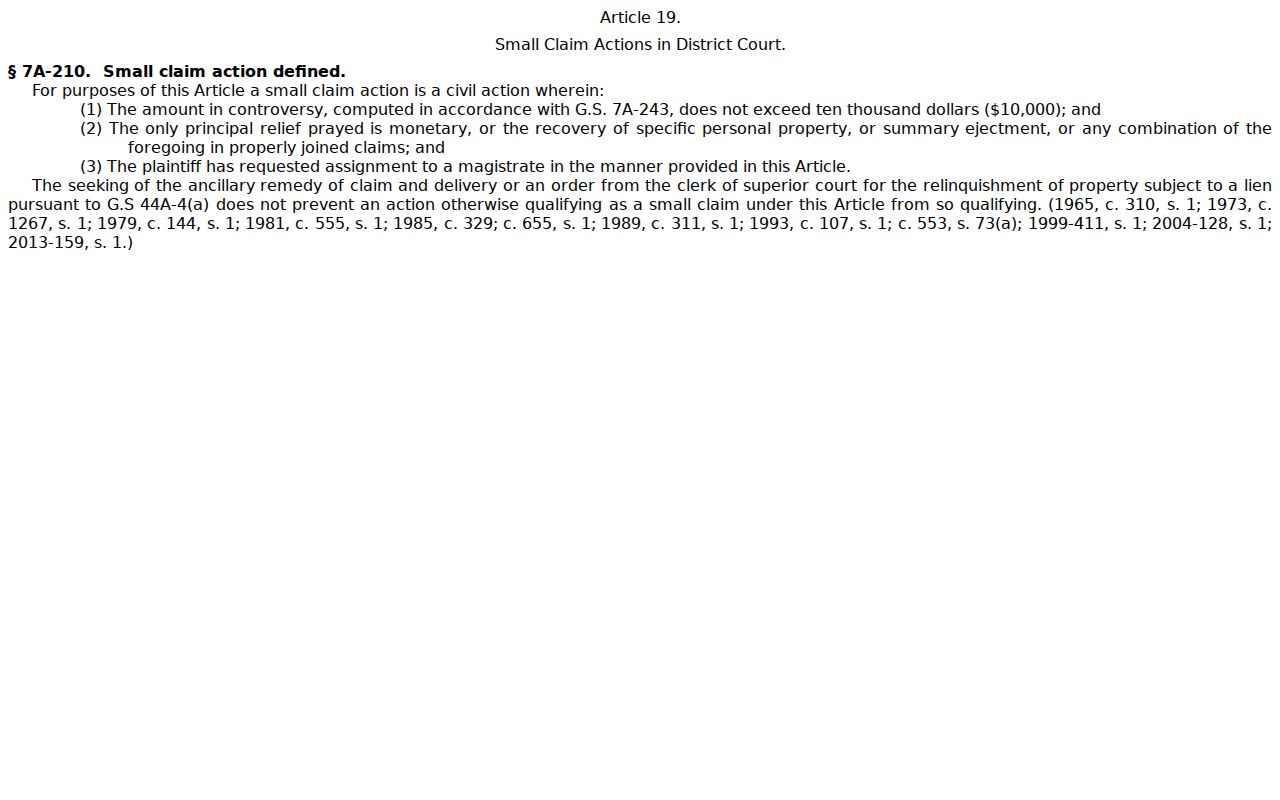
The statute itself makes the boundary plain. Small claims belong to magistrates within District Court, not to Superior Court's general civil docket.
Civil Docket Settings and Hearings
A civil hearing shows up in the Hearings section of a Case Summary or through Portal Search Hearings. For a Perquimans search, pick the location, the right hearing type, a search type, and a date range. A case number beats a name for precision. Search Hearings can return the location, time, courtroom, judicial officer, case number, and related case details. One thing it will not tell you. That detail is whether the hearing is virtual or in person.
The First Judicial District's 2026 scheduling material lists Perquimans sessions. It warns that judge availability, courtroom availability, court conflicts, and state holidays can shift things. Treat a posted calendar as orientation only. The latest hearing entry and Case Event control. When schedules conflict or you need to confirm attendance, call the Clerk at (252) 404-5000.
Perquimans Civil Hearing Requests
Perquimans County litigants have a formal way to request a civil hearing. The local rules and forms index includes a Request for Civil Action Hearing form in Appendix A. It was revised January 8, 2025. That First Judicial District mechanism is not an informal phone call. It is separate from the public Portal search. Before relying on any advance schedule, check the court's current case record and the published local rules. The Perquimans local rules and forms index is where the scheduling material lives.
So civil litigants get a documented hearing-request route through the local form. The Portal stays the public docket and hearing-search interface for everyone else.
Civil Docket Access Rules
Public access to the Perquimans County civil docket runs through the Portal for public case types. No registration is required. The Clerk's public terminal and the local paper file still matter. They are the practical fallback for a legacy record or a confusing online result. The same goes for a special proceeding, an estate file, or an official copy. A Portal result may include a Register of Actions yet not every document. Sealed or confidential material never appears to public users.
Copies carry statutory charges under G.S. 7A-308. The charges are $2 for the first page of each copied document, $0.25 for each additional page or fraction, $3 for a certificate under seal, and $10 for exemplification. Those are clerk fees set by statute, not a fixed total for every request. Ask the Clerk about the specific document, the certification method, and current procedure. Searching by name or record number? Use the Perquimans County case lookup route.
Access rules:
G.S. 7A-109 makes clerk-maintained records, files, dockets, and indexes open to inspection unless law restricts access.
G.S. 132-1 defines North Carolina public records and supports copies free or at minimal cost unless law provides otherwise.
G.S. 132-6.2 addresses available media, certified or uncertified copies, prompt responses, and explanations of a denial.
Need to reach someone directly? The Perquimans contact directory lists the Clerk's main number, and the county court landing page gathers local court services in one place. Before mailing any request, confirm the document type and certification you want, since the county posts no Perquimans-specific copy-request form.
Perquimans Civil Docket Statuses
Portal's civil statuses include Pending, Reopened, Stayed, Unserved, Appealed, Trial De Novo, Transfer to Another County, and Transferred to Superior Court. Narrower outcome descriptions also appear: Disposed by Clerk of Superior Court, final judgment without trial, trial by judge, trial by jury, trial by magistrate, and voluntary dismissal. A status is just the system's current posture. It never replaces the actual wording of an order.
- Unserved
- A status showing service has not been completed in the listed posture.
- Stayed
- A status showing the matter is paused; read the Case Events or order for the reason.
- Reopened
- A status showing later activity after an earlier case posture.
- Trial De Novo
- A new trial in a higher trial division after a qualifying lower-court appeal.
The Judicial Branch publishes a Civil Overall Caseload Activity Report with county-level filings, pending cases, and dispositions by civil category. The report does not display a Perquimans County row. So no local filing total appears here.
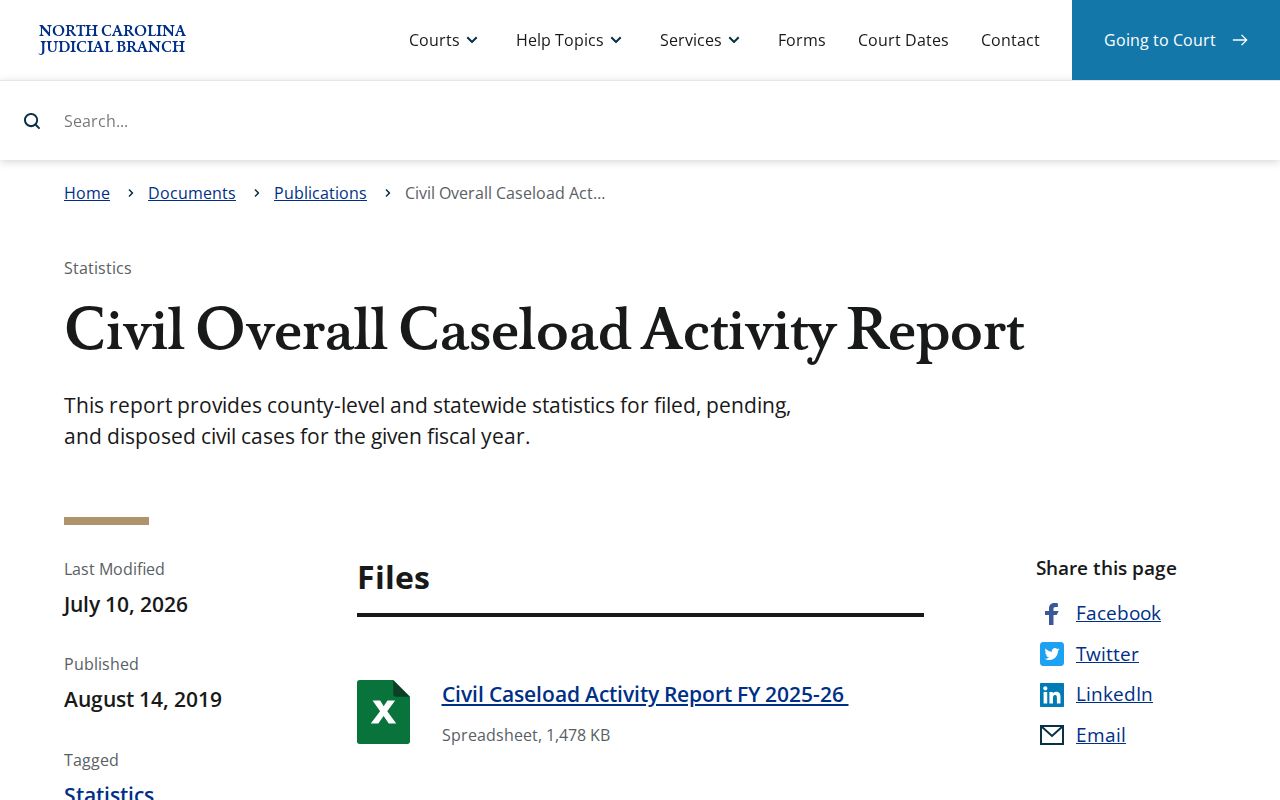
That report index is the official source for a current Perquimans civil caseload figure. Check it when the spreadsheet carries a county row.