
Searching Perquimans County Criminal Dockets
The free North Carolina eCourts Portal is where a Perquimans County criminal docket search begins. Open Smart Search first. Type a full record number, or a name in the state's Last, First format. Advanced Filtering comes after that first pass. It can trim a statewide result down to Perquimans, Criminal or Infraction, a chosen status, and a filing-date range. Click the matching record number. That opens the Register of Actions, also called the Case Summary.
Always use the complete record number if you have it. The state's Enterprise Justice number follows a set pattern. It combines a two-digit year, a letter case type, a six-digit sequence, and a three-digit county identifier, like 21CR000003-910. Name-only searches can pull up many records. Add a filing-date range and set the right location. Keep this in mind: the Portal is a public search layer, not the clerk's official copy service.
- Enter the record number or Last, First in Smart Search.
- Run the basic search before opening Advanced Filtering Options.
- Choose Perquimans and the Criminal or Infraction category when the result needs narrowing.
- Open the record number and read the Case Events, Hearings, Dispositions, and Financial Information sections that appear.
- Use the clerk for an official copy, a legacy paper file, or an unresolved search question.
Note: Searching the Portal is free, and no public registration is required. Confidentiality and processing limits still apply to public results.
Perquimans Criminal Portal Filters
Run the Portal's criminal filters after a basic search, not before. They help sort a common name away from the Perquimans County criminal docket you actually want. An early match is not the final answer. The official Portal guide lists four choices under the criminal and infraction types. These are Criminal, Infraction, Out of State Probation, and Out of State Parole. Pick a status filter that matches the case type. A mismatch can quietly hide the record you need.
| Field | Type | Required | Perquimans criminal use |
|---|---|---|---|
| Record Number or Name | Text | Yes | Use a full number or Last, First. |
| Location | Dropdown | No | Select Perquimans after the basic search. |
| Case Type | Dropdown | No | Choose Criminal, Infraction, probation, or parole. |
| Case Status | Dropdown | No | Use an official status to narrow results. |
| Filing Date | Date range | No | Useful when several people share a name. |
The Portal training material also covers Search Hearings. It is a separate tool for current court settings. It can search by case number, party, attorney, judicial officer, courtroom, and date range. Enterprise Justice pairs with File & Serve for electronic filing. That service is separate from the public criminal-docket search.
Inside a Perquimans County Criminal Docket
A Perquimans County criminal docket reads like a timeline, not a story. The public Case Summary may include several sections. These are the record number, case information, assignment information, parties other than victims, Case Events, hearings when present, dispositions, financial information when present, and public documents that were uploaded and not restricted. Sections stay hidden when they hold no data. Read the dated events in order before trusting any single label.
| Record number | The Enterprise Justice identifier used to retrieve the case. |
|---|---|
| Assignment information | The court and location assignment, with a judicial assignment when present. |
| Case Events | The dated Register of Actions entries for filings, service, orders, and related activity. |
| Hearings | Scheduled events when the case has hearing information. |
| Dispositions | The recorded case outcome or posture; an order may give the fuller legal text. |
| Documents | Public uploaded images, if available; a court-certified copy comes from the Clerk. |
Here is one quirk. Events moved over from before Enterprise Justice can display a 12:00 a.m. time. That stamp is just a conversion artifact, not proof of a midnight hearing. When a current setting matters, compare the latest Case Event against the Hearings section. If they differ, contact the clerk.
Note: A Case Summary shows recorded activity. For exact wording, a public document or a certified clerk copy may be needed.
Why Perquimans Criminal Charge Searches Fail
Smart Search works by party. Give it a record number or a person's name. It cannot search by a named offense or charge, so typing an alleged offense will not pull up a Perquimans County criminal docket. The state points users to an identifier first, then to the selected Case Summary for the docket details.
Citations are the big exception. With only a citation in hand, use its citation number in the relevant Portal search or payment path, or call the Perquimans County Clerk of Superior Court. A name search that returns 200 records calls for filters, not a guess at the first hit. The complete record number remains the most precise route.
Search point: A charge name is not a Portal search field. Start with the record number, citation number, or Last, First name instead.
How a Criminal Case Moves
Case Events can trace a criminal matter from filing and initial process through a magistrate or bond-related event, a District Court setting, pretrial work, plea or trial activity, disposition, and sentencing. Each case follows its own sequence. Remember that a docket entry records an event, not always the full legal effect of an order.
Docket flow: Filing → Arraignment → Pretrial → Plea or Trial → Disposition → Sentencing.
Portal can log warrants, orders for arrest, and criminal summonses as issued, returned served or unserved, reset to unserved, or recalled. To pin down the exact result, you may need the underlying order, a public document, or a certified copy.
Perquimans Criminal Clerk Terminal
A public online result for a Perquimans County criminal docket can leave questions. The clerk office is the next stop. A clerk-office terminal, per the state, can search criminal cases several ways. It works by defendant name, case number, victim name, or witness name. The Perquimans County Clerk of Superior Court keeps files for two courts. Superior Court and District Court records alike land at that one counter. The state's guidance is at the clerk-office access route page.
Call the Clerk at (252) 404-5000 before a special trip. Ask about recent updates, transferred matters, bulky documents, or older paper files. Copy requests by mail may require confirming local procedure first. The county posts no court-copy request form. The Judicial Branch public-record request form covers administrative records only. It sends case-file seekers back to the county clerk. For a formal search, G.S. 7A-308 lists a $25 criminal-record search for a single county. It is subject to its conditions and exemptions.
North Carolina District Court hears the misdemeanors and infractions. The Clerk, meanwhile, holds the Perquimans County criminal docket record for both trial divisions.
The jurisdiction split explains the search. A criminal docket may start in District Court even when later entries point to Superior Court.
Courts That Hold Criminal Dockets
District 1's Superior Court tries most felonies on its exclusive side of the line. District Court, in the same district, holds original jurisdiction over misdemeanors and infractions. Traffic matters included. Magistrates sit as District Court officials too. They can issue criminal process. They set initial release conditions and take pleas or waivers in certain minor matters. The Perquimans County Clerk of Superior Court keeps the docket records from all three functions. That division shapes how you read a docket, not where you look one up. Open the Portal's Criminal category first and check the assignment and status fields. A felony docket will usually show a Superior Court assignment. A District Court case, though, can move up through a qualifying trial de novo. It can also rise through a transfer. For direct questions, the Perquimans contact directory lists District Court at (252) 331-4500. It lists Superior Court at (252) 331-4501 and magistrates at (252) 404-5019.
Perquimans Criminal Transfer Status
That "Transferred to Superior Court" tag in the Portal is a status, not a verdict. It tells you the case record moved up to the higher trial division. So check the receiving court's record too. "Remanded" works the other way, marking a case sent back from another level. The Portal also flags appellate postures. Read every label against the surrounding Case Events and any order on file.
Other statuses you may see on a Perquimans County criminal docket include Archived, Completed, Disposed, and Pending. The list also holds Pending Expungement, Transfer to Another County, and Voluntarily Dismissed with Leave. No Perquimans-only glossary of abbreviations exists. Trust the full status text in the Case Summary rather than shorthand you invent yourself. A short label is never the whole ruling. And a transfer or appeal label is just a posture until the full event sequence confirms it.
Sealed Dockets and Public Access
Under G.S. 7A-109, clerks must keep court records, files, dockets, and indexes open for public inspection during regular office hours, unless a law blocks access. The Public Records Law backs that access. Still, it does not make every criminal file public. Portal hides sealed or confidential cases, data, and documents from public users.
An empty result does not prove the case never existed. A spelling slip, a bad filter, the wrong county, old paper files, slow processing, or a restricted category can all produce nothing. Try the search again with the full record number. Then turn to the Clerk's phone line, public terminal, counter, or paper files. For a detailed lookup, the separate Perquimans County case lookup path digs deeper.
Access rules:
G.S. 7A-109 requires the clerk to keep court dockets and permits public inspection unless another law restricts access.
G.S. 7B-3000 withholds juvenile records from public inspection except as the statute or a court order allows.
G.S. 15A-151 keeps the AOC expunction file confidential with limited permitted disclosure.
The text of G.S. 7B-3000 sets out the juvenile-access rule that shapes what Perquimans County criminal dockets can show.
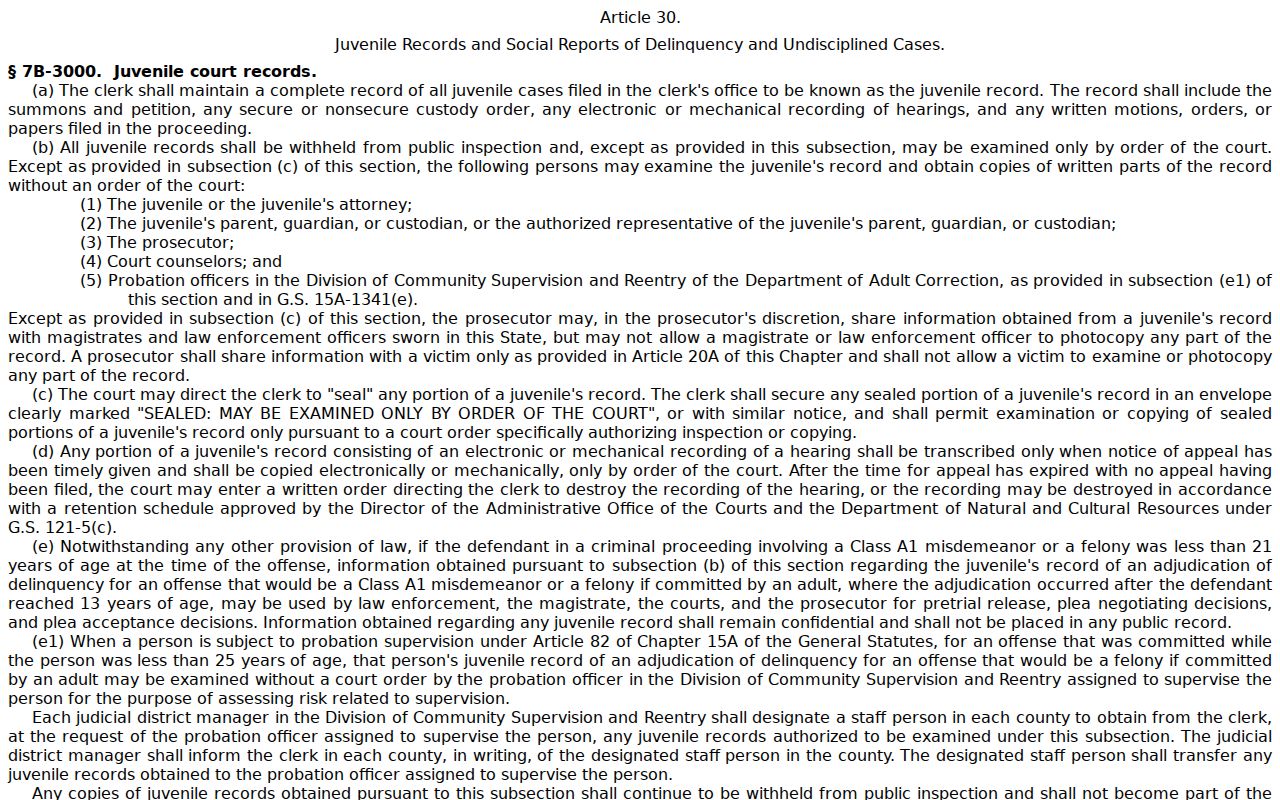
Juvenile confidentiality is one reason a docket search can come back empty. The statute at G.S. 15A-151 spells out how expunction files get separate, confidential handling.
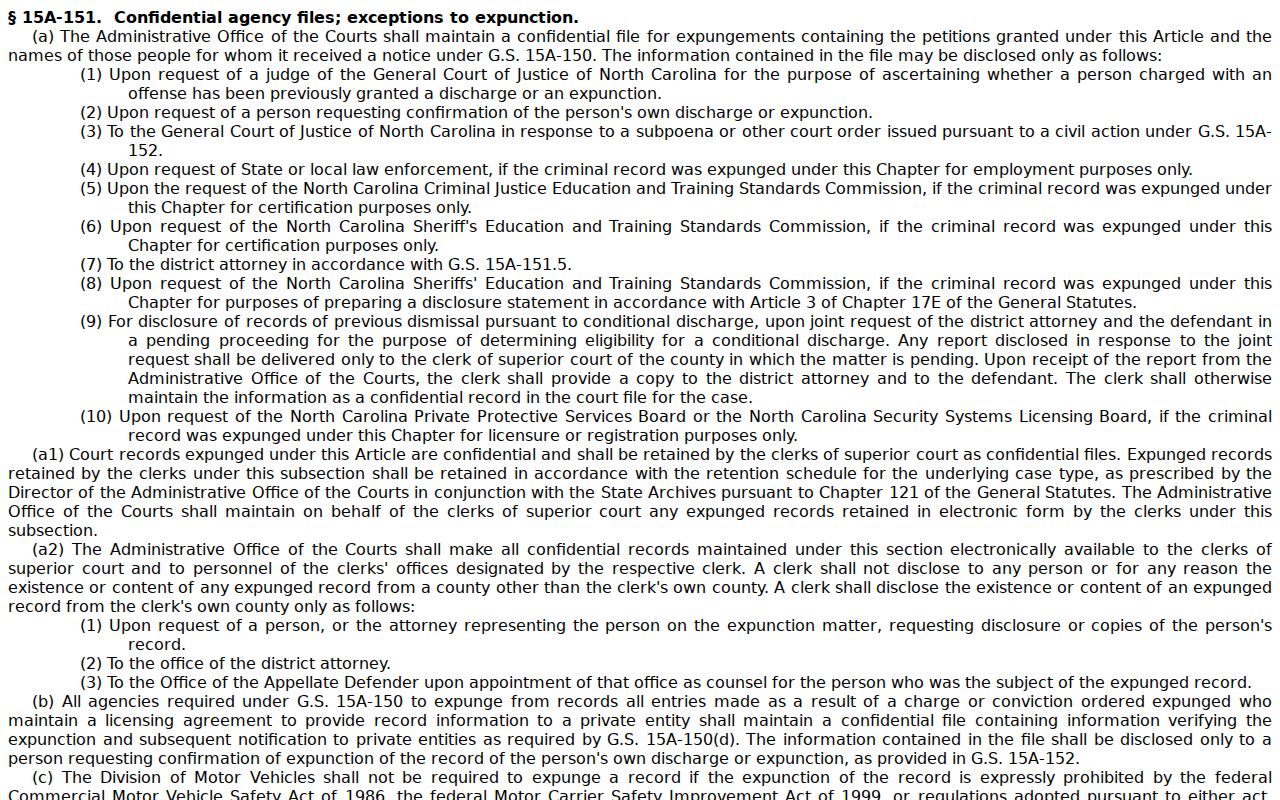
A sealed or expunged record leaves the public web entirely. No ordinary criminal Register of Actions appears for it in a Perquimans County case lookup.
Perquimans Criminal Docket Modernization
Perquimans has real roots in the shift from paper court work to digital access. In 2019 the Judicial Branch named Clerk Todd W. Tilley to its eCourts Advisory Committee. Perquimans also joined the CRAVE remote-proceedings pilot. That pilot brought courtroom equipment and a courthouse public kiosk. Statewide Enterprise Justice implementation reached all 100 counties on October 13, 2025. The eCourts Advisory Committee announcement records that local modernization connection.
The portal handles public access now. For questions, historical paper records, and certified criminal documents, the Perquimans County Clerk of Court remains the office to contact.